Product · One button

One button. The whole season.

You click “Run my season automatically”. Onzaris builds every division’s schedule, gives each game a free field, assigns referees, publishes everything with a single notification per person and creates every team’s link.

✓ Schedule built and published✓ Conflicts blocked before publishing✓ One notification per person
Season kickoff

If your season kickoff still takes three weeks…

With a spreadsheet or an “all-in-one” app, the administrator still does every step. Here is what the button does instead.

With your current tools

Building each division’s schedule in Excel, checking fields one by one.

With Onzaris

Each division’s schedule builds itself from your season start date.

With your current tools

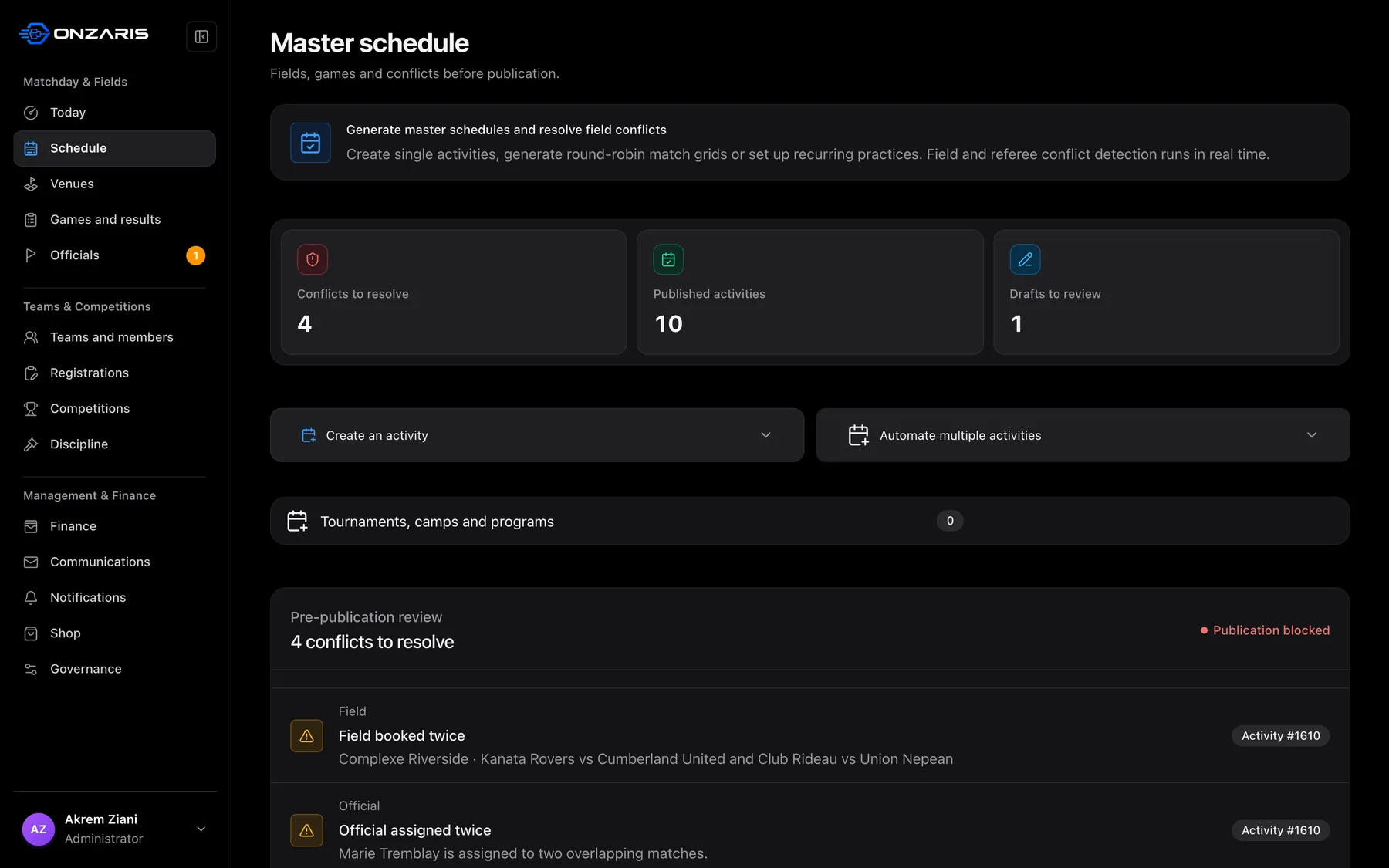
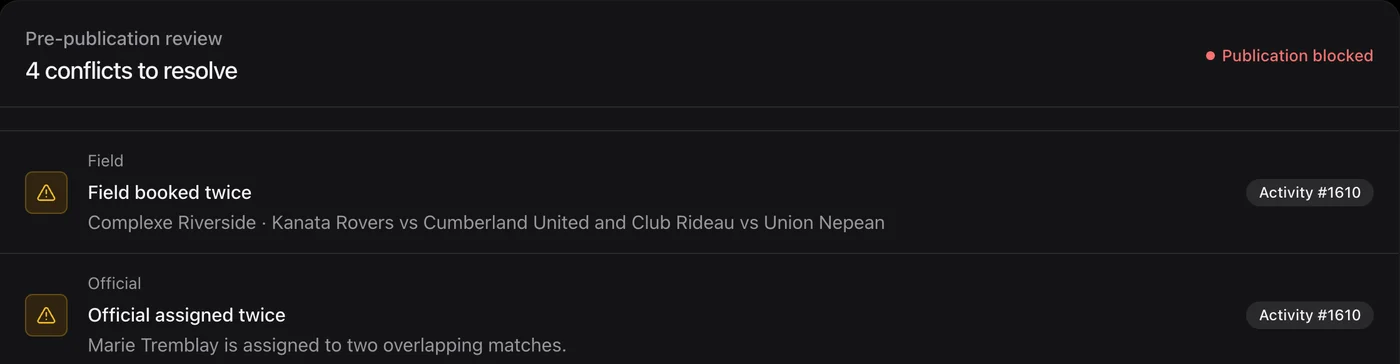
Finding out after publishing that two games share the same field at the same time.

With Onzaris

A conflicting game stays in draft. Nothing wrong gets published.

With your current tools

Finding a referee for every game by text and email.

With Onzaris

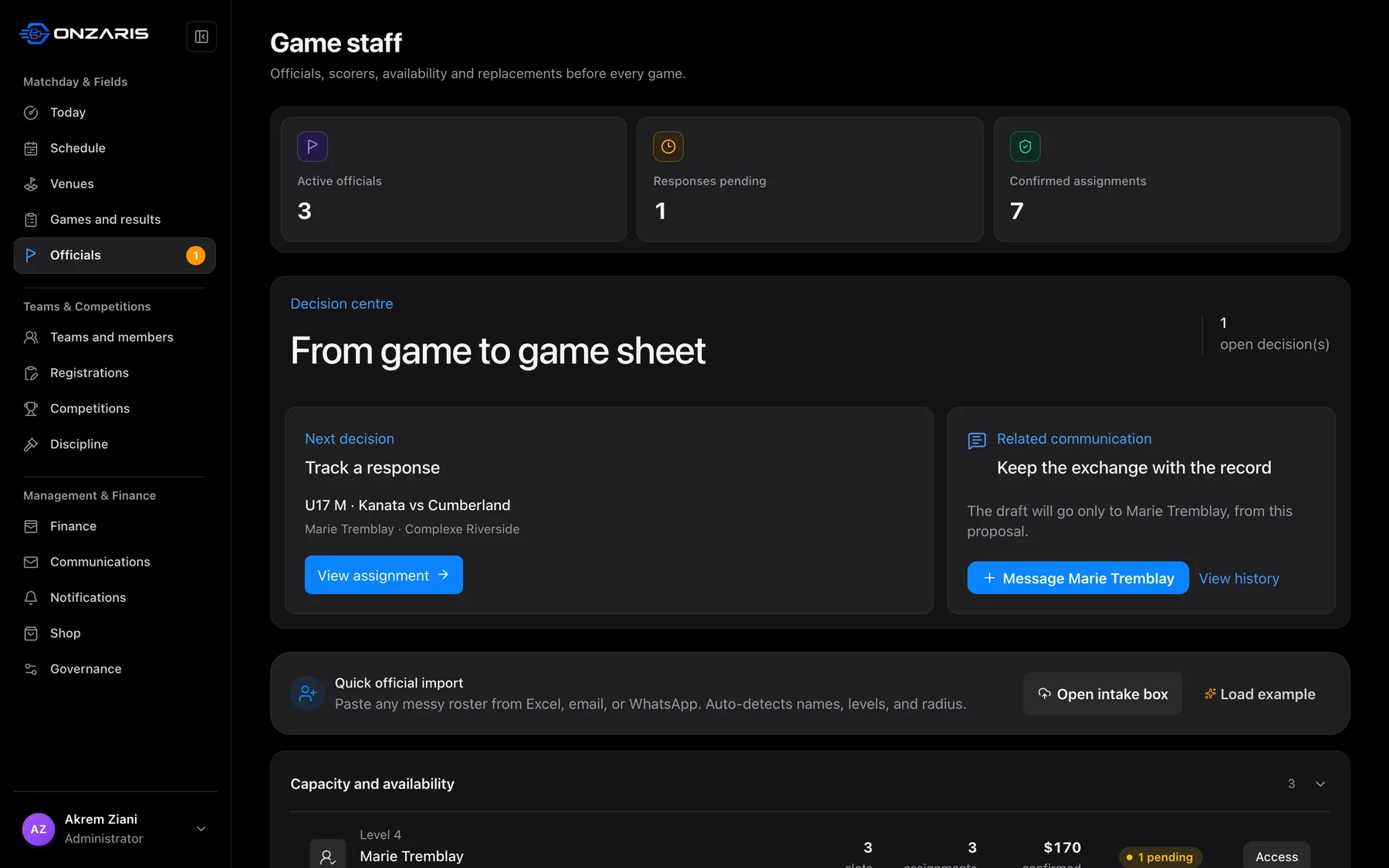
Available referees are assigned to games, and a replacement is sought when one drops out.

With your current tools

Sending the schedule team by team, then answering parents’ questions.

With Onzaris

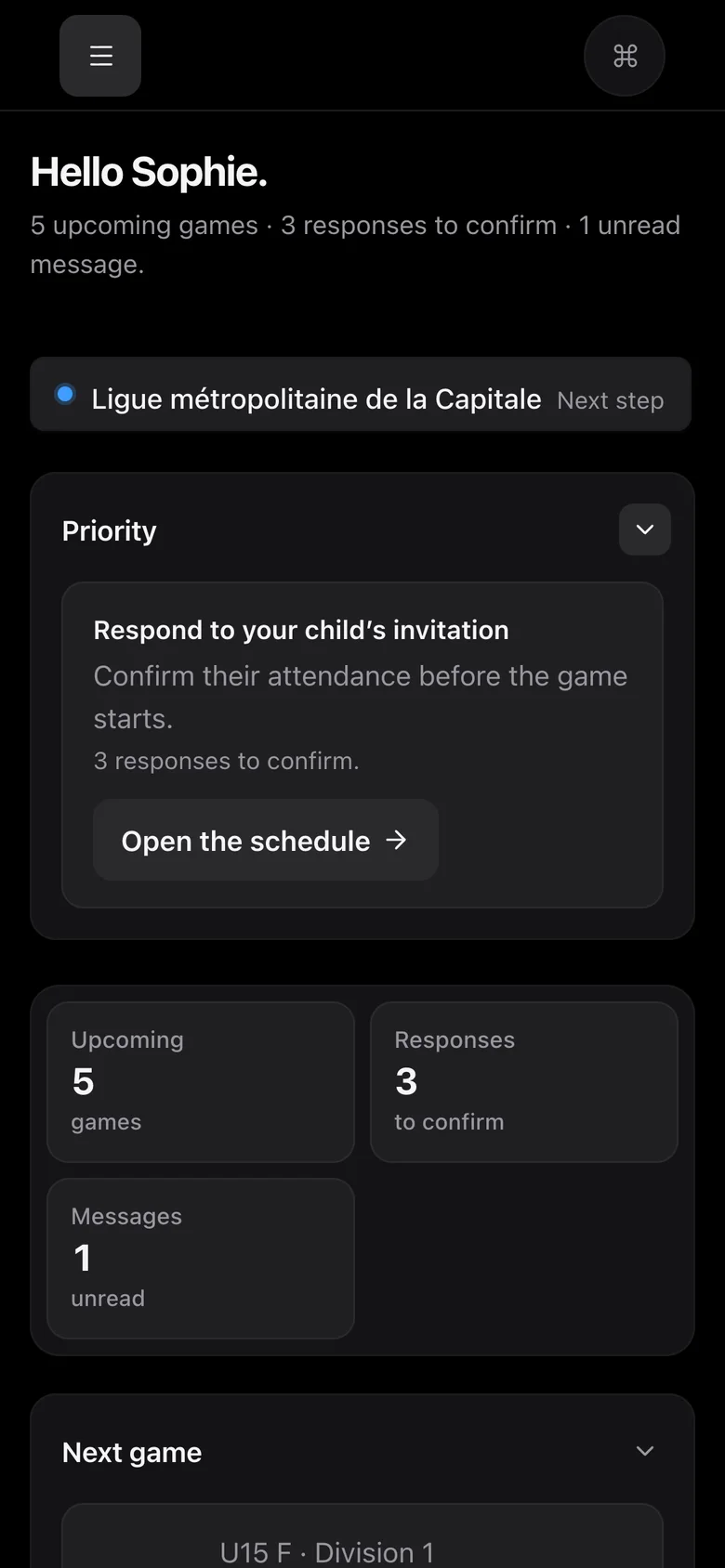
Each person gets one notification with their games. Each team gets its link to join.

With your current tools

Remembering to chase scores, payments and certifications all season.

With Onzaris

Autopilot rules switch on: score, payment and certification reminders.

What the click starts

You see what will happen before you click.

The list is shown in plain words. Detailed settings stay available if you want to set each step yourself.

01
Schedule and fields

Every division gets its schedule.

If you still place every game by hand on a grid…

Onzaris starts from your teams, your fields and their available hours. Each game gets a free field, and a booked field cannot be booked twice.

  • Schedule generated per division
  • Free field picked automatically
  • Conflicts blocked before publishing
02
Referees

Every game gets its official.

If you still spend Thursday nights looking for referees…

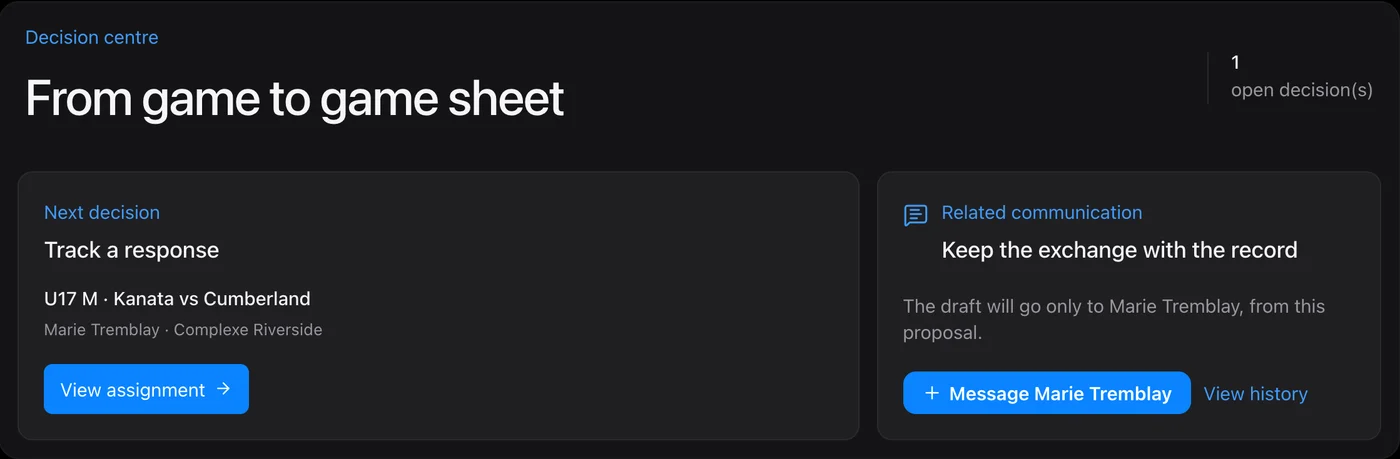
Officials set their availability. Onzaris assigns them to games in batches and looks for a replacement as soon as someone drops out.

  • Batch assignment
  • Availability respected
  • Replacement started automatically
03
Teams and families

Everyone gets their season, once.

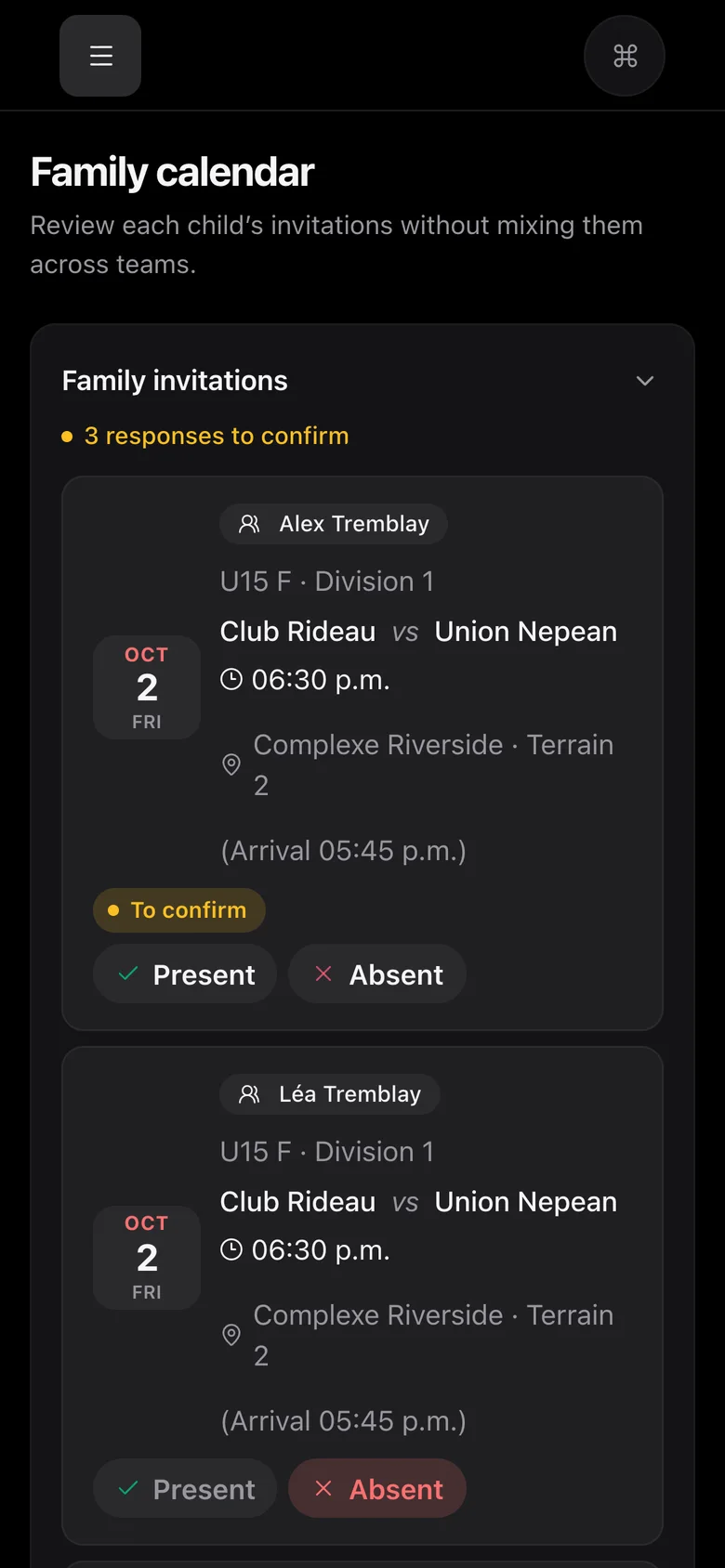
If you still send the same schedule to ten WhatsApp groups…

Publishing sends one notification per person. Each team gets a link the coach shares, and players join the team and its chat without a form.

  • One notification per person
  • One link per team
  • Team chat created with the team
In three steps

Your rules once. Then the season.

The only manual part is telling Onzaris how your season works.

01

You set your rules

Season dates, fields, available hours, divisions and game length.

02

You click once

The schedule builds, referees are assigned, everything is published and every team has its link.

03

You handle exceptions

A closed field, a missing referee: you move it once, Onzaris tells everyone.

FAQ

What people ask us before switching.

Can we check before it is published?

Yes. The button lists what it will do, and a conflicting game stays in draft until you resolve it.

What if we want to set everything ourselves?

Every step stays available under “Or set each step yourself”. The button is a shortcut, not an obligation.

Does it work for a federation?

A federation has no schedule of its own: the button skips those steps and only switches on what applies.

Just want to see it?

Try it with your own tournament.

Paste your teams: pools, a schedule on your fields and standings in 60 seconds. No account, no card.

Try it with my tournament →

Free · no signup to try